Connecting AI models to external enterprise systems has historically meant writing bespoke connectors for every client: one integration for OpenAI Assistants, another for LangChain, and another for Claude Desktop.
Anthropic introduced the **Model Context Protocol (MCP)** to establish an open standard—a universal "USB-C port" for AI applications. With MCP, you build a tool or data connector once as an MCP server, and any MCP-compatible host (Claude Desktop, Cursor, AI agents) can interact with it securely.
The Architecture of MCP
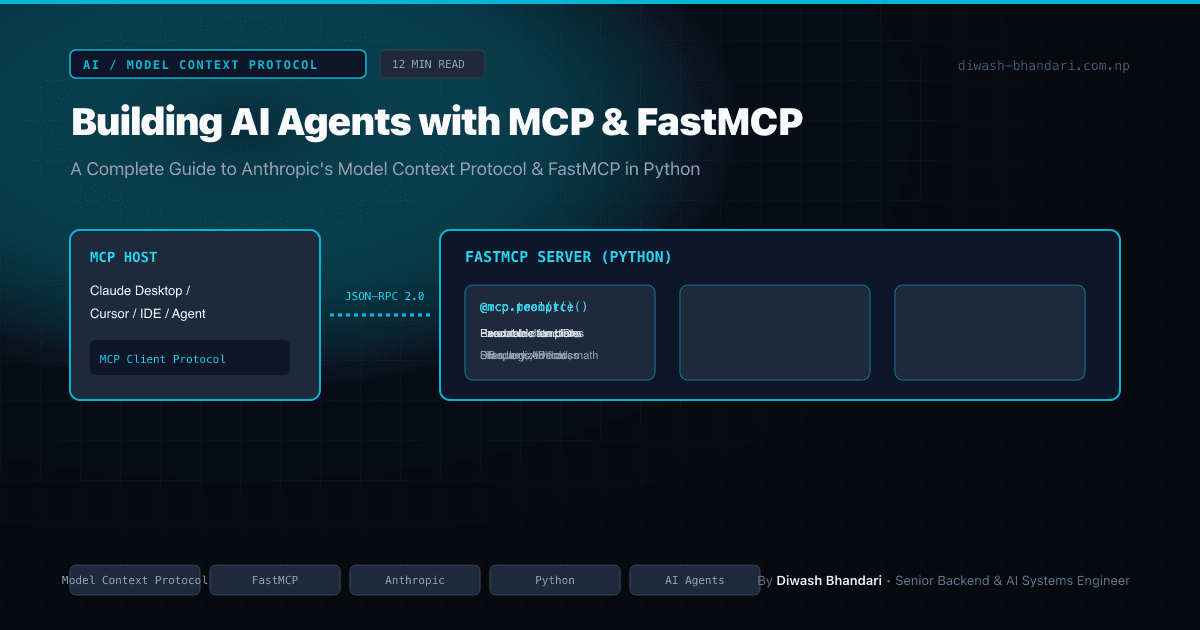
MCP separates concerns into three distinct layers:
1. **MCP Host**: The user-facing AI application (Claude Desktop, IDE, or terminal agent). 2. **MCP Client**: Maintains a 1:1 connection with a server over JSON-RPC 2.0 (stdio or SSE/Streamable HTTP). 3. **MCP Server**: Lightweight services exposing resources, tools, and prompts.
```
┌──────────────┐                  ┌──────────────────────────────┐
│   MCP Host   │  JSON-RPC 2.0    │       FastMCP Server         │
│ (Claude/IDE) │ ◄──────────────► │                              │
└──────────────┘                  │ • @mcp.tool() (Actions)      │
                                  │ • @mcp.resource() (Data)     │
                                  │ • @mcp.prompt() (Templates)  │
                                  └──────────────────────────────┘
```
What FastMCP Adds to Python
Writing raw JSON-RPC servers involves boilerplate request parsing, protocol negotiation, and manual schema declarations. **FastMCP** abstracts this with a decorator-based design inspired by FastAPI.
1. Creating Tools with FastMCP
Tools are functions the AI can execute:
```python
from fastmcp import FastMCP
from pydantic import Field
mcp = FastMCP("Database-Tools")
@mcp.tool() def query_customer_orders( customer_id: str = Field(description="UUID of the customer"), limit: int = Field(default=10, description="Max orders to return") ) -> list[dict]: """Fetch recent orders for a customer from PostgreSQL.""" # Database logic return [{"order_id": "ord_101", "status": "SHIPPED", "amount": 149.50}] ```
FastMCP automatically inspects the Python type annotations and docstrings, serializing them into standard JSON Schemas that the AI model receives.
2. Exposing Readable Resources
Resources provide read-only context to the model:
```python
@mcp.resource("system://metrics/live")
def get_live_metrics() -> str:
    """Provides current server load and latency metrics."""
    return "CPU: 24% | Memory: 42% | P99 Latency: 12ms"
```
3. Reusable Prompt Templates
Prompts standardize recurring workflows:
```python
@mcp.prompt()
def incident_postmortem(service_name: str, incident_date: str) -> str:
    return f"Conduct a root cause analysis for {service_name} on {incident_date}..."
```
Running the Server
FastMCP can run locally via standard input/output (stdio) for Claude Desktop, or as a network service over SSE:
```bash
# Run over stdio (Claude Desktop / Cursor)
fastmcp run server.py
Or serve over SSE fastmcp serve server.py --port 8000 ```
Bottom Line
MCP is rapidly becoming the universal protocol for AI agent tool execution. FastMCP makes building secure, typed MCP servers in Python as simple as writing standard FastAPI routes.
Need custom MCP servers or agent tool registries built for your team? [Get in touch](/contact).