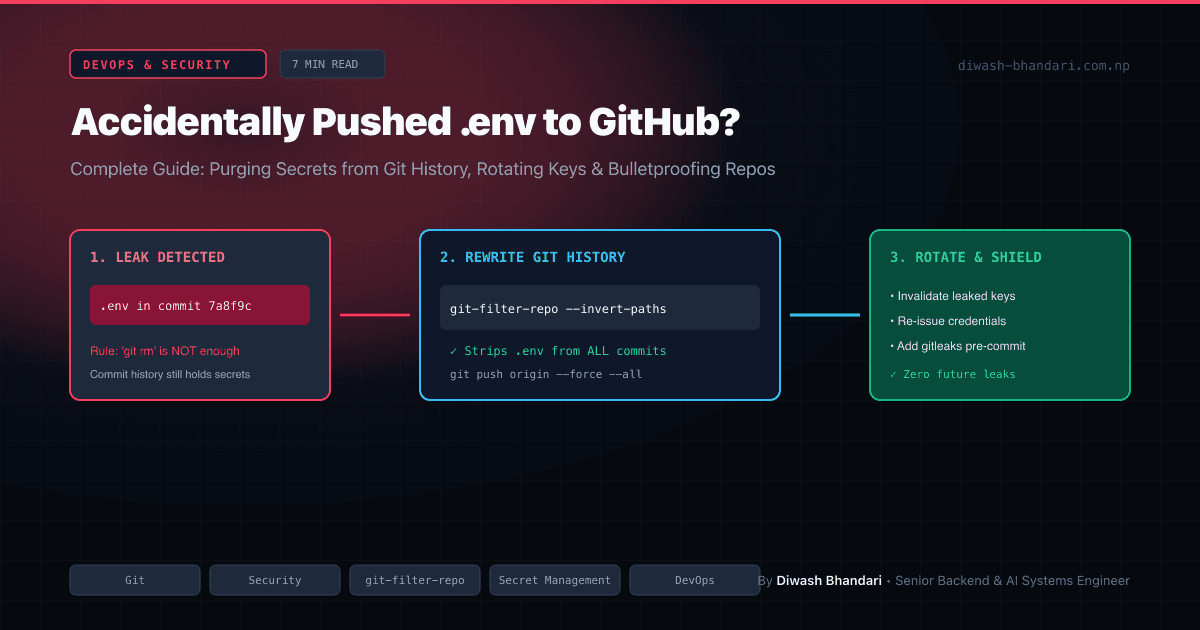
It's the heart-sinking moment every developer experiences: you run `git push`, refresh GitHub, and realize your `.env` file containing database passwords, Stripe secrets, and OpenAI keys is sitting in plain text for the world to see.
Automated bots scrape the public GitHub event feed within seconds of any push. Before you do anything else, understand this critical rule:
> **Running `git rm .env && git commit` DOES NOT FIX THE LEAK.**
The secret is still present in the previous commit's tree object and will remain accessible to anyone viewing commit history or cloning the repository.
Here is the step-by-step incident response playbook.
Phase 1: Immediate Triage (Rotate Secrets FIRST)
Do not waste thirty minutes attempting complex Git history surgery before rotating credentials. **Assume all pushed credentials have already been compromised.**
1. Invalidate and rotate all API keys that were in the file (AWS, OpenAI, Database passwords, JWT secrets). 2. Check provider audit logs (e.g. AWS CloudTrail or Stripe dashboard) for unauthorized usage spikes.
Phase 2: Purging the File from Entire Git History
Git provides low-level porcelain commands, but the official recommended tool by the Git documentation is **`git-filter-repo`** (faster and safer than legacy `git filter-branch`).
1. Install git-filter-repo
```bash
pip install git-filter-repo
# or with uv:
uv tool install git-filter-repo
```
2. Make a Fresh Clone Backup
Never rewrite history on your only copy:
```bash
git clone --mirror git@github.com:your-username/your-repo.git repo-backup
cd your-repo
```
3. Permanently Strip .env from All Commits
```bash
git filter-repo --invert-paths --path .env
```
This command inspects every commit, tag, and branch in your repository history, completely removes `.env`, and rewrites the SHA hashes cleanly.
4. Force-Push the Cleaned History
```bash
git remote add origin git@github.com:your-username/your-repo.git
git push origin --force --all
git push origin --force --tags
```
Phase 3: Bulletproofing Against Future Leaks
1. Update `.gitignore`
```gitignore
# Secrets
.env
.env.*
!.env.example
*.pem
*.key
```
2. Add Pre-Commit Secret Scanning
Install **`gitleaks`** to block commits containing high-entropy strings or private keys before they ever leave your laptop:
```yaml
# .pre-commit-config.yaml
repos:
  - repo: https://github.com/gitleaks/gitleaks
    rev: v8.18.2
    hooks:
      - id: gitleaks
```
Key Takeaways
1. **Rotate first, scrub history second**: A scrubbed repository does not un-leak an active Stripe secret. 2. **Never use `git filter-branch`**: Use modern `git-filter-repo`. 3. **Automate defense**: Pre-commit hooks prevent human oversights before they reach GitHub.
Need a security audit or CI/CD hardening for your codebase? [Get in touch](/contact).